Oil & Gas | Production allocation
Role
UX Lead
Overview
Production allocation, a key application of SAP UOM, is designed for the proficient use of production accountants, also known as hydrocarbon analysts. This application enables them to access data from various sources and determine hydrocarbon and water volumes, masses, and energy content across multiple oil wells. Users, equipped with this application, can swiftly discern production and potential, perform complex analysis for long-term planning, plan vs. actual, and apply chemical analysis data for component or full product stream allocations. Whether on a desktop or tablet, these users are more than capable of handling the complexities of this application, instilling a sense of confidence and competence in their abilities.
Problem
Production allocation was a particular area in the oil and gas domain. Very specialized people would do this work, and finding them was challenging. Hydrocarbon analysts are often on the move, visiting wells that are sometimes more than 10 km away. Users would collect data on a tablet and analyze the desktop machine using complex algorithms. We needed to provide a seamless experience to users across these platforms. It was important that users felt confident while collecting and analyzing information related to hydrocarbons, as this reporting had many regulatory requirements, underscoring the need for accurate and reliable data in the industry.
Process
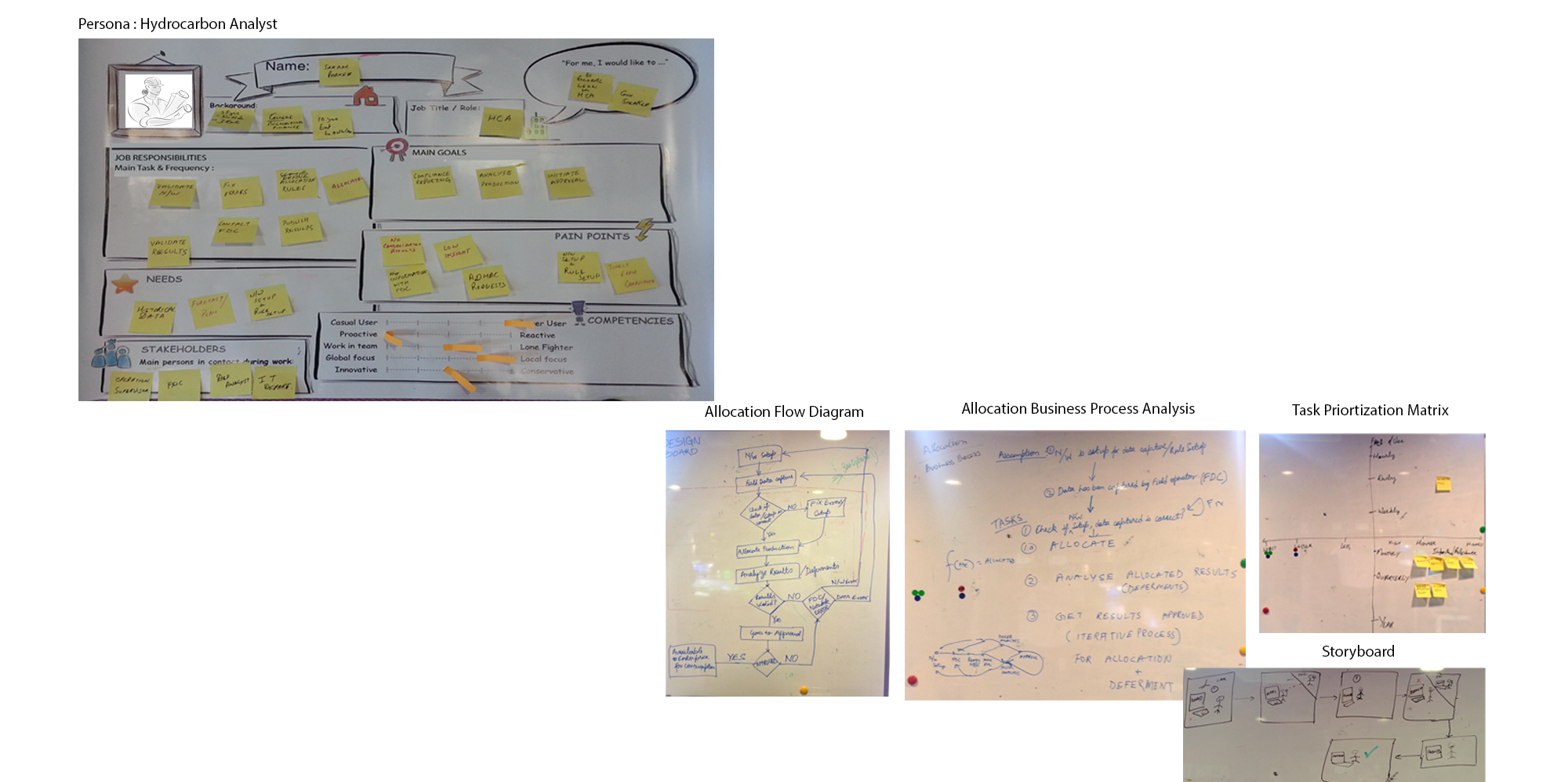
Our journey in this project was not solitary. We had the privilege of working with domain experts who shared their insights and needs, making us understand the whole process better. I created models such as personas, flow diagrams, allocation process analysis, and storyboards, incorporating the collective wisdom of our team. Our sales team connected with companies interested in buying the product, and I seized this opportunity to validate my models with these companies' business people and end users. The next step was ideation, where I created concept diagrams. I used Balsamiq to create low-fidelity prototypes and validate them with prospective customers again. SAP has defined the design system for the Fiori Application, and I used the guidelines from this design system to create prototypes, making our team's efforts a collaborative success.
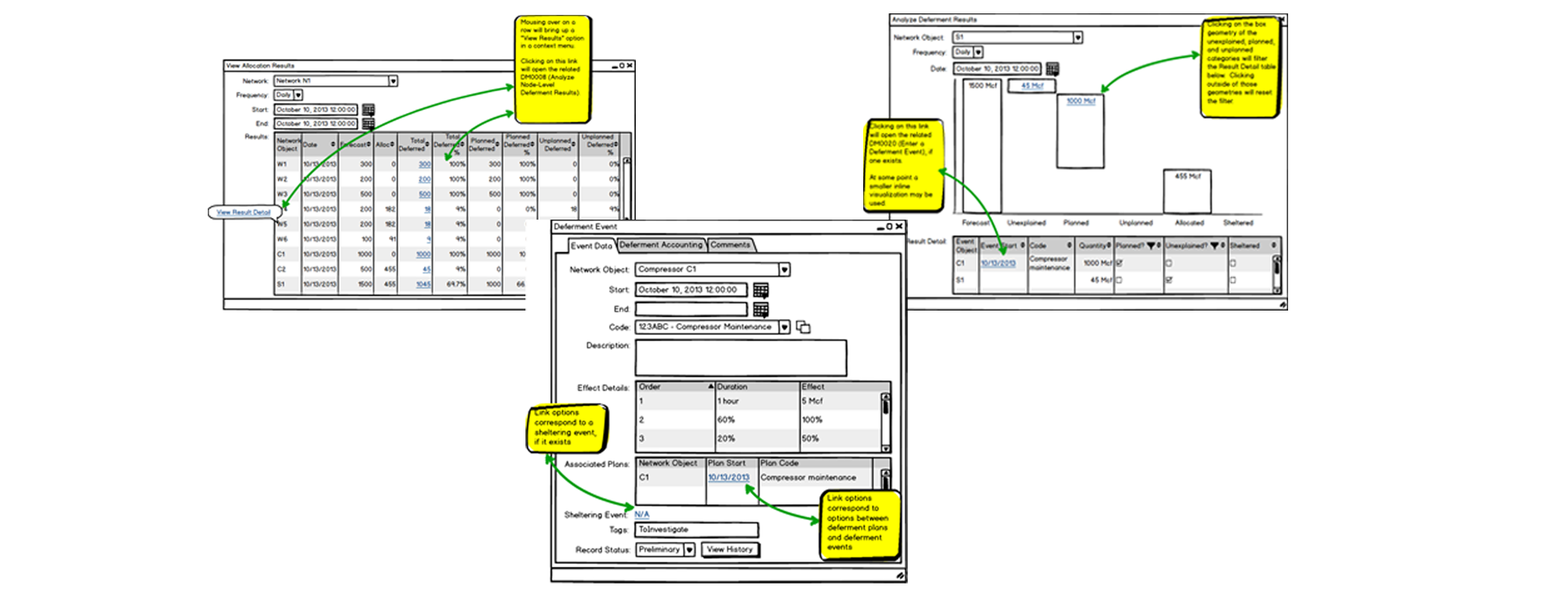
Lo-fi prototype
Here is examples of Balsamiq prototypes
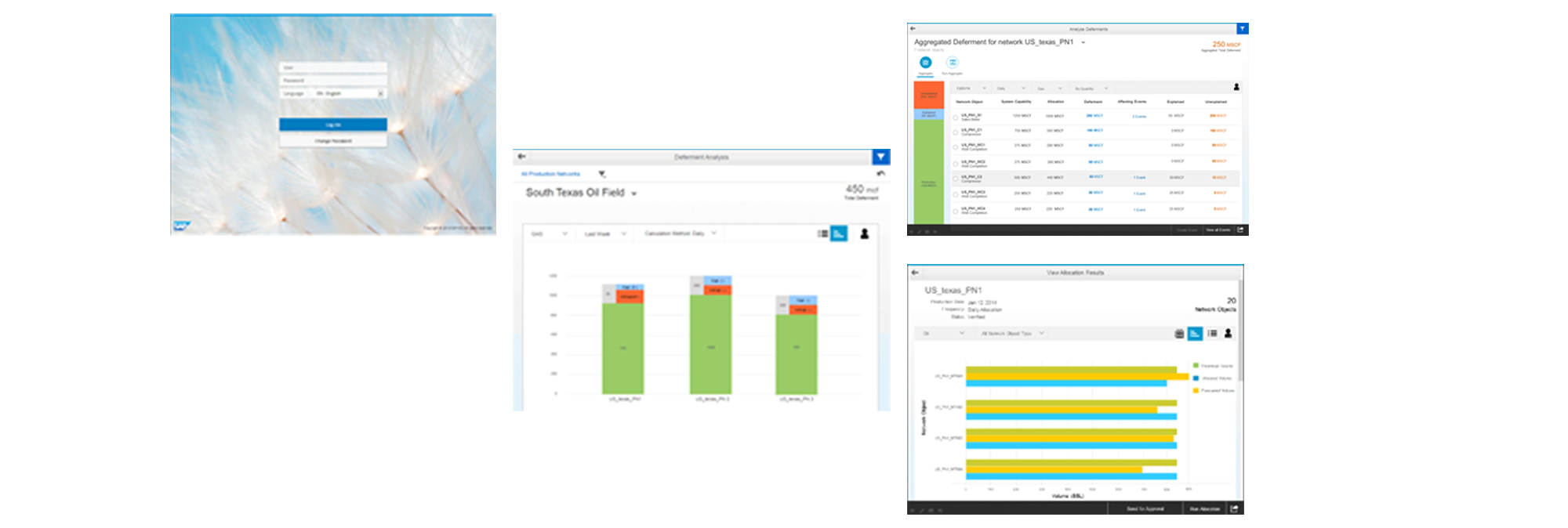
Hi-Fi Prototypes
The final prototype were created using SAP Fiori Design Guidelines.